
Latest Version
Muhammad Younas
Shopping
Mac
Free
1628295690
Report a Problem
More About Design Shop for Cricut Maker
Transforming Raw Materials into Custom Art
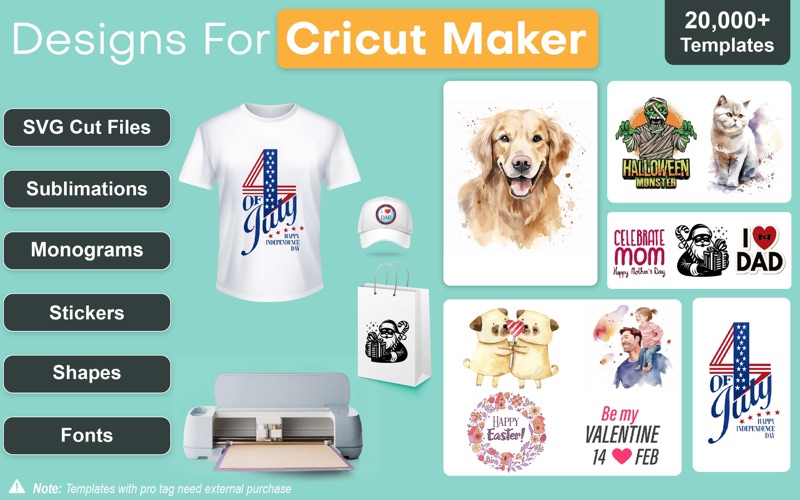
For DIY enthusiasts and craft business owners, the right design assets can turn a simple weekend project into a professional-grade masterpiece. The Design Shop for Cricut Maker craft application is a dedicated macOS tool designed to bridge the gap between creative ideas and physical execution. Whether you are cutting vinyl for apparel, etching glassware, or building complex 3D paper crafts, this utility provides an extensive library of assets to streamline your workspace preparation.
An Asset Library Tailored for Makers
Unlike general-purpose graphic design software, which can require a steep learning curve, this application focuses strictly on ready-to-cut assets. Developed by Muhammad Younas, it functions as an expansive repository for creators who need high-quality vectors quickly. Key highlights of the library include:
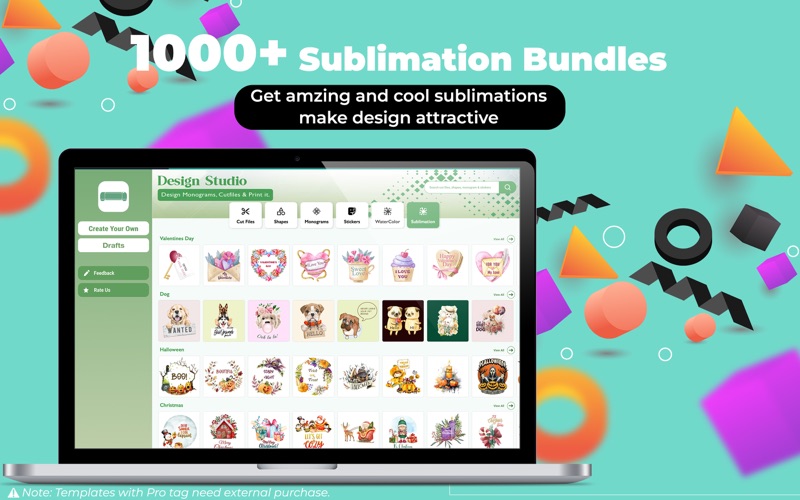
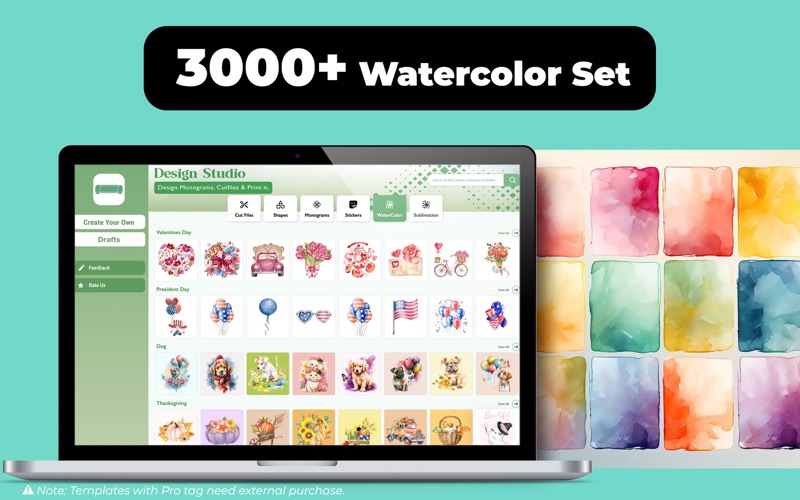
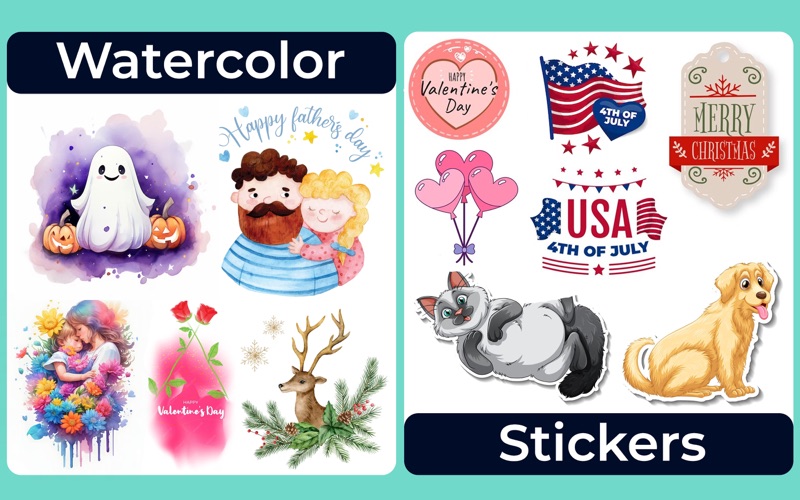
- Over 10,000 Graphic Assets: A massive selection of shapes, background patterns, and icons suitable for various themes and holidays.
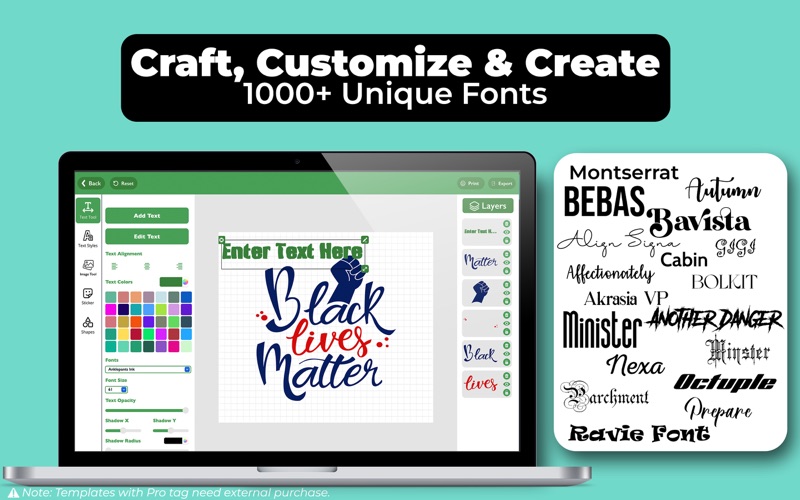
- Curated Typographic Collection: Access to more than 1,000 stylish fonts designed specifically to look clean when cut by digital plotting machines.
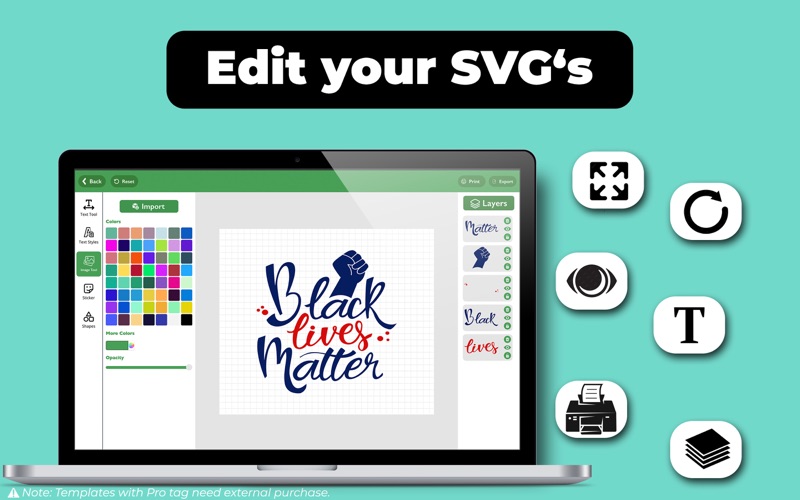
- Diverse Craft Formats: Optimized SVG files, monograms, and custom templates ready for immediate export into standard formats like JPG, PNG, and PDF.
Streamlined Workflow: From Screen to Cutting Mat
The Design Shop for Cricut Maker craft application is engineered for speed, allowing users to customize a shirt design or mug layout in just a few minutes. The interface lets you easily position, resize, and rotate text or graphics. You can select pre-made templates, adjust the textures and colors, and prepare the file for your cutting machine. By offering clean vector paths, the app helps reduce weeding time and minimizes material waste during the physical cutting process.
Is It Right for Your Craft Room?
This software is highly recommended for Mac users who want to skip the tedious process of designing SVG files from scratch. While the app is free to download and offers two complimentary items in each category to test compatibility, unlocking the full library requires in-app purchases. Note that this is an independent companion tool designed to export compatible files, and is not officially affiliated with Cricut, Inc.
Ready to elevate your crafting game? You can check out the official listing and explore the full suite of assets on the Mac App Store.
Rate the App
User Reviews
Other Apps in This Category





Popular Apps










Editor's Choice