Latest Version
Vakrilov
Health
Windows
Free
9wzdncrddnzf
Report a Problem
More About Sleep Tracker App
Unlocking Better Rest with a Dedicated Sleep Tracker
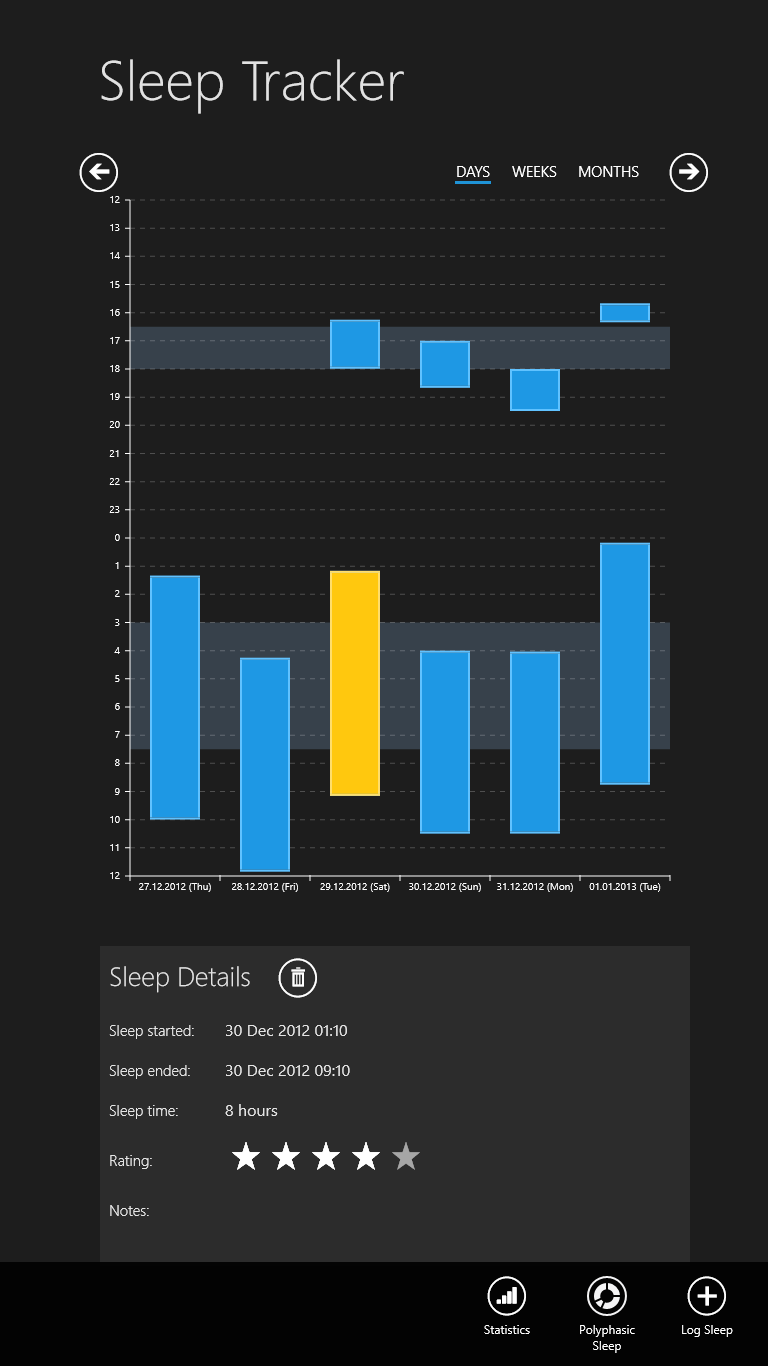
Many of us struggle with maintaining a consistent rest schedule, often waking up groggy without understanding why. The Sleep Tracker app designed by Vakrilov for Windows addresses this exact challenge. Rather than letting you guess how many hours of quality rest you are getting, this lightweight desktop tool provides a structured platform to log your hours, analyze your habits, and optimize your daily energy levels.
Key Features of the Sleep Tracker App
This application goes beyond basic logging by offering specialized tools for advanced sleep optimization. Here is what you can expect from the software:
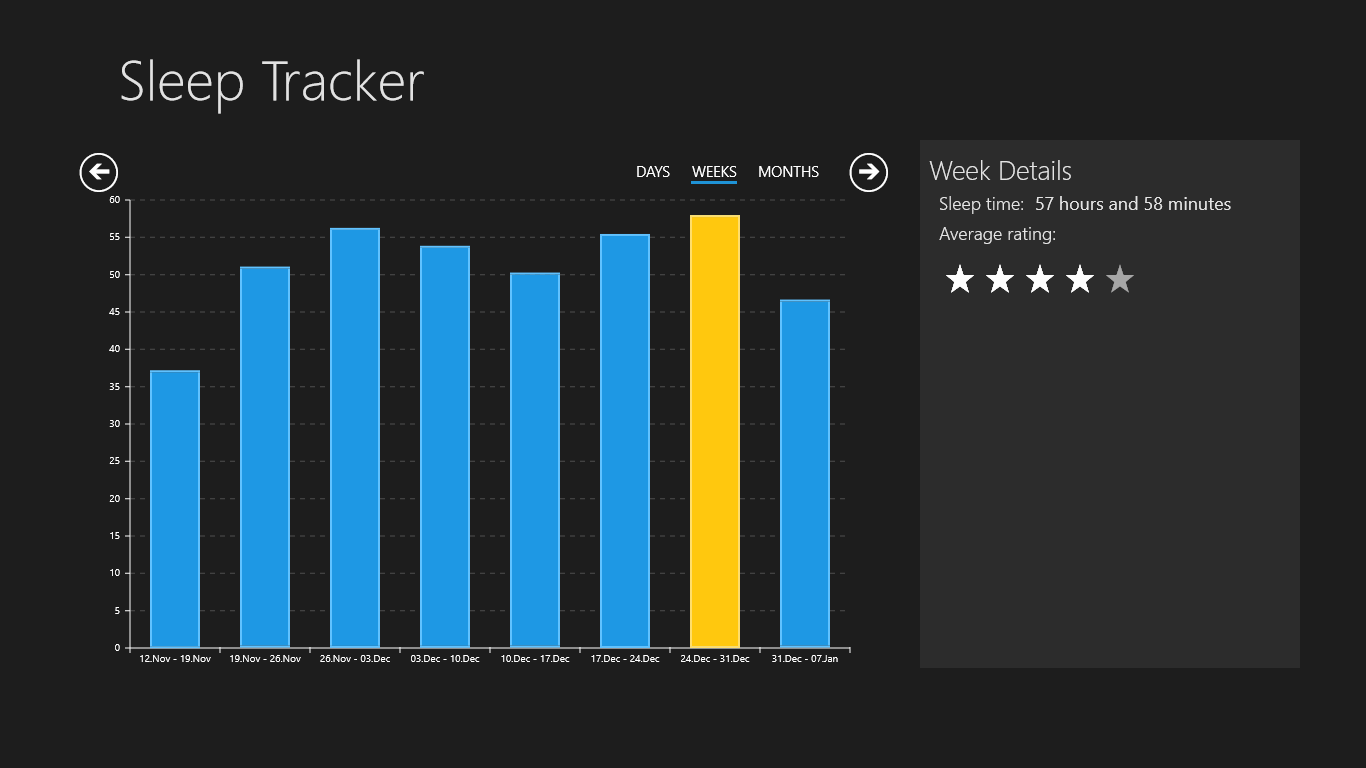
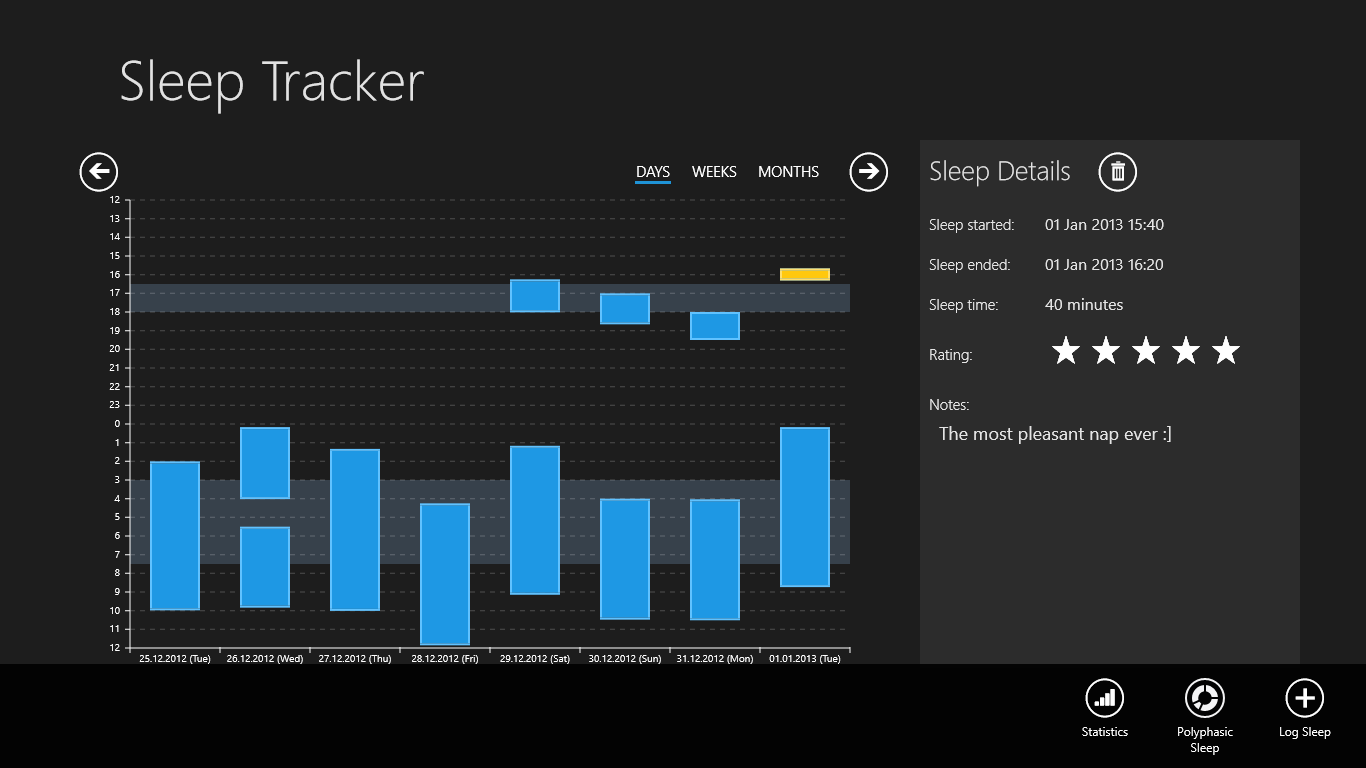
- Comprehensive Pattern Logging: Easily input your sleep durations to keep an accurate digital journal over days, weeks, or months.
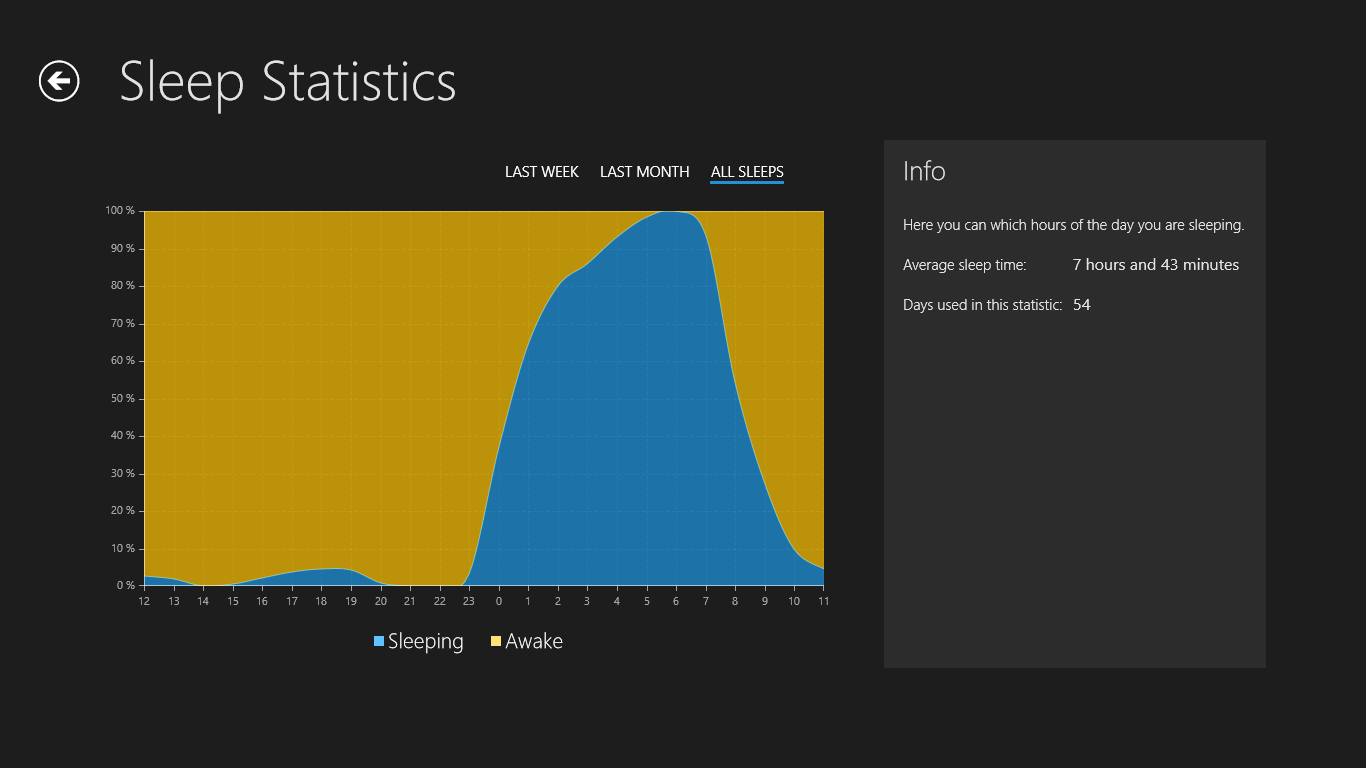
- Visual Statistics: View clear data visualizations and statistics that highlight your historical sleep trends and overall consistency.
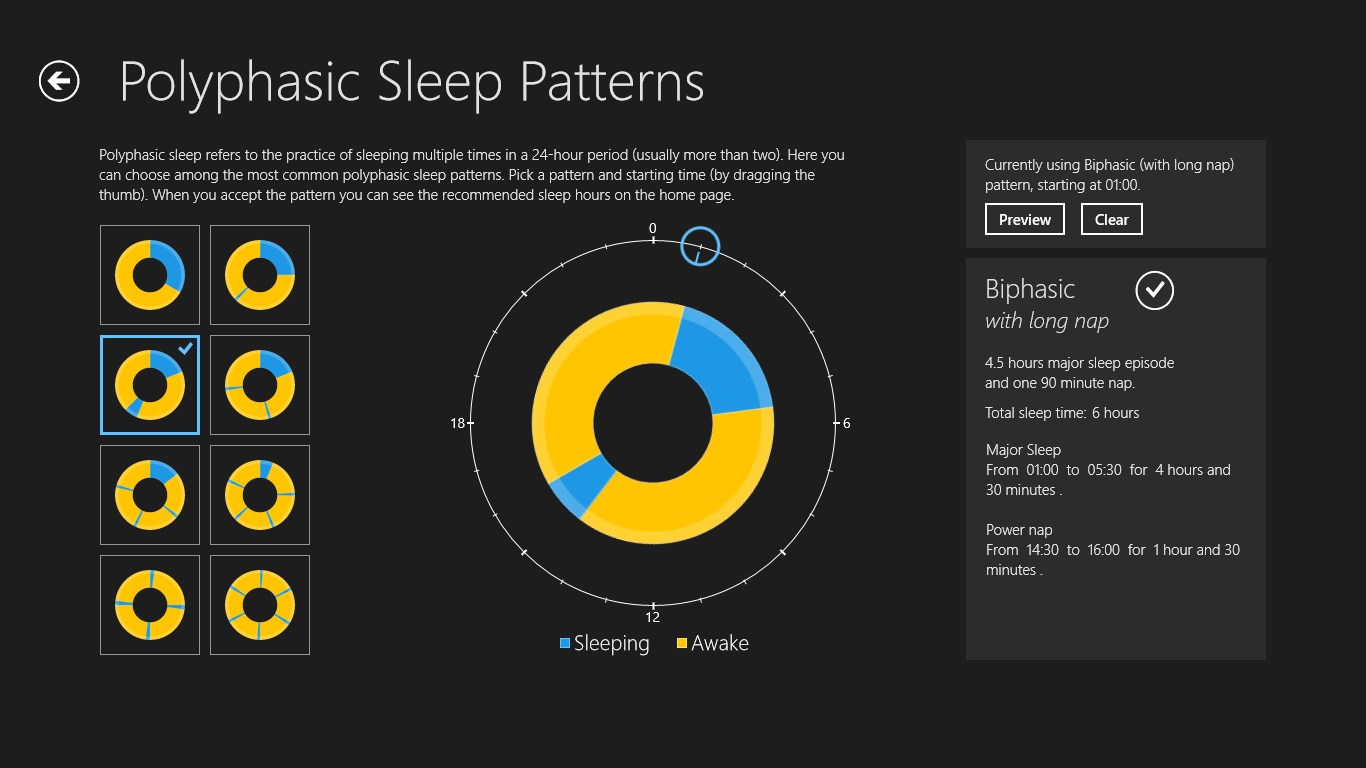
- Polyphasic Sleep Integration: Explore alternative rest schedules. The application allows you to study and apply various polyphasic sleep patterns, such as Uberman, Everyman, or biphasic schedules, which break your rest into multiple strategic blocks throughout the day.
Who is This Tool For?
The Sleep Tracker app is ideal for Windows users who prefer managing their wellness metrics directly from their PC. It is particularly valuable for biohackers, shift workers, and students experimenting with alternative polyphasic schedules to maximize their waking hours while maintaining cognitive performance.
Our Verdict
If you need a straightforward, no-nonsense desktop utility to monitor your nightly rest or transition into a polyphasic routine, this tool delivers the essential tracking metrics without unnecessary complexity. To try it out and start optimizing your sleep hygiene, head over to the official Microsoft Store to download the app for your Windows device.
Rate the App
User Reviews










Popular Apps










Editor's Choice